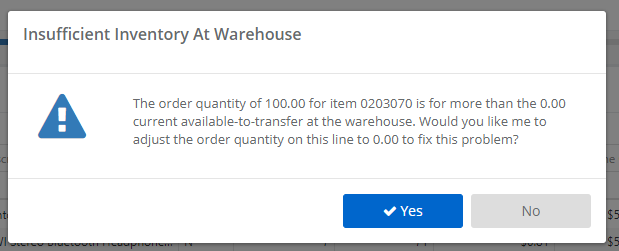
When you are working in the Place Orders screen, if the order suggestion presented by StockIQ is for more than is available at the warehouse to send, you will get little red warning flag and a message in the application. If you edit your quantity, and it is still below the warehouse's available amount, a warning is shown similar to this one:
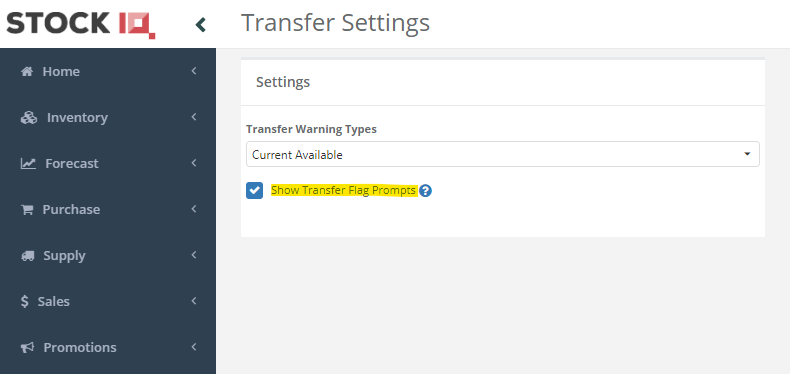
If you wish to disable this, go to Settings --> System Configuration --> Transfers --> Transfer Settings, and disable the 'Show Transfer Flag Prompts' checkbox, and click save. The warning dialog will no longer be displayed, but the red flag and message will still be shown in the app.