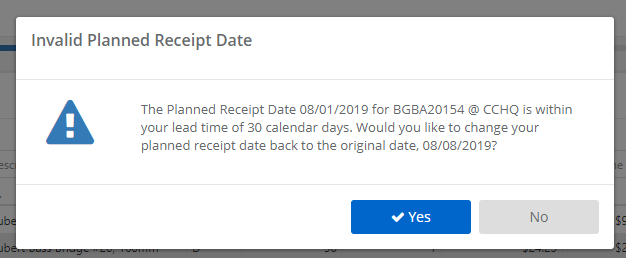
When you edit dates in the Place Orders screen of StockIQ, if the dates you provide are inside lead time, StockIQ will show a warning similar to the below:
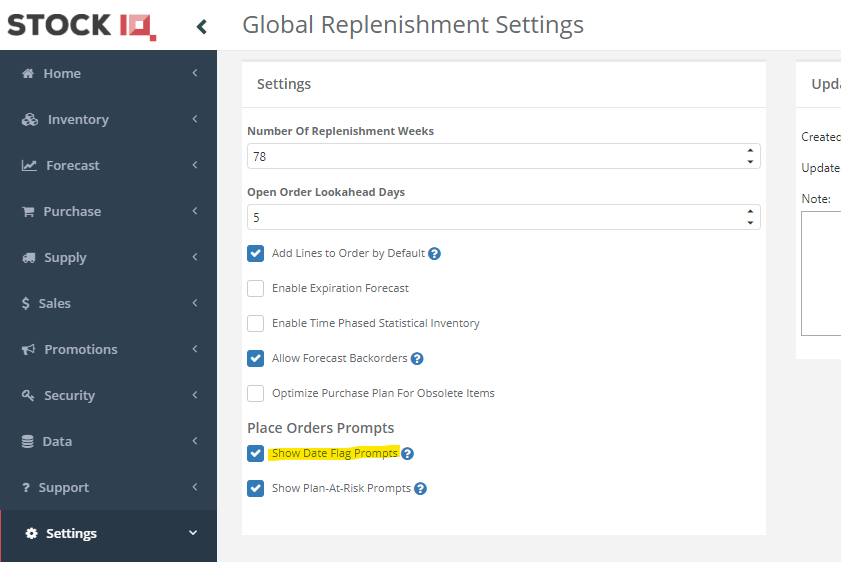
If you do not want to see these, go to Settings --> System Configuration --> Purchase --> General, and uncheck the option shown below. You will no longer receive warning dialogs for the invalid dates, but the little red warning flags will still appear in the application.